
Windows 11 Installation Stuck? Here’s How to Fix It

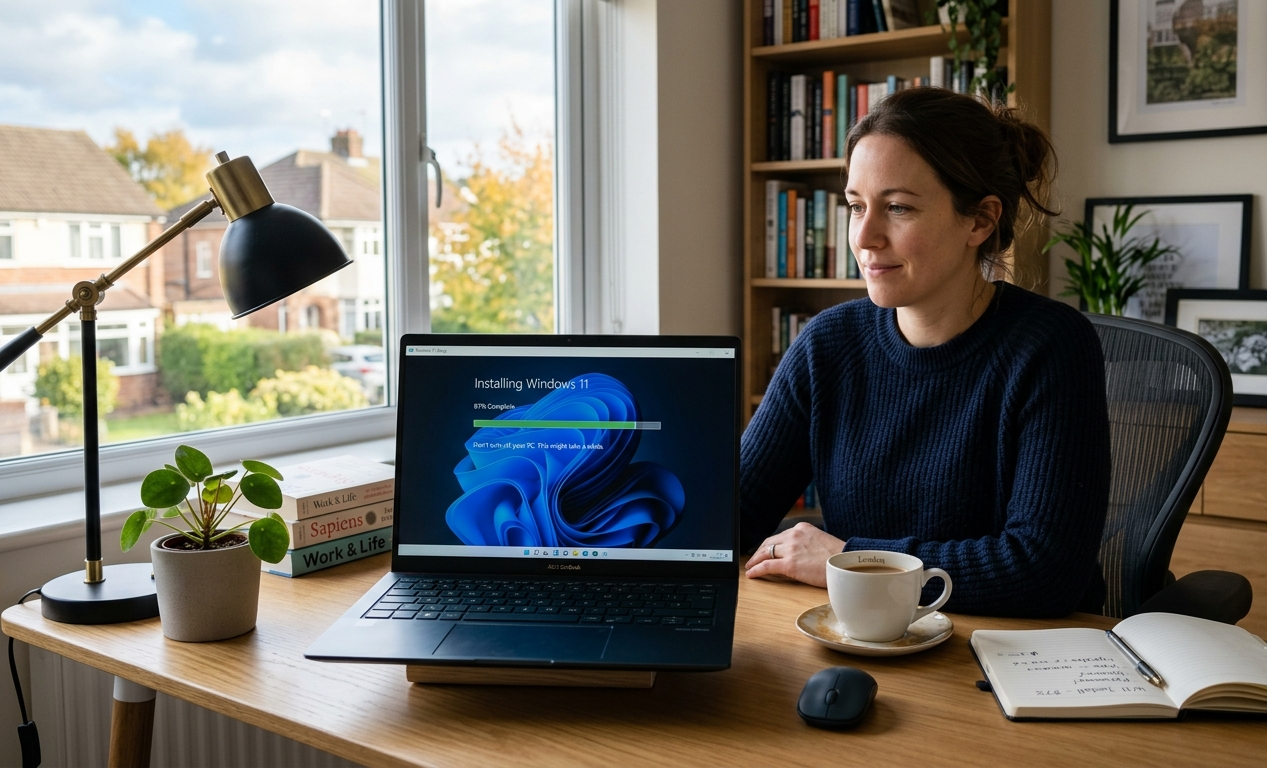
Windows 11 Installation Stuck? Here’s How to Fix It
Installing Windows 11 is usually a smooth process, but occasionally the installation can appear to freeze. You might see the progress bar stop moving, the installation remain on the same percentage for a long time, or your computer repeatedly restart without finishing the setup.
While this can be worrying, it doesn’t always mean something has gone wrong. In many cases, the installation simply needs more time or a minor issue is preventing it from completing.
Here’s how to identify the problem and get your Windows 11 installation back on track.
How Long Should Windows 11 Installation Take?
The installation time depends on your computer’s hardware.
Typically, Windows 11 installs within:
- 30–60 minutes on newer SSD-based computers
- 1–2 hours on older hard drive systems
If your PC has been stuck at exactly the same percentage for several hours with no hard drive activity, further troubleshooting may be needed.
1. Be Patient Before Restarting
One of the biggest mistakes people make is restarting their computer too early.
During installation, Windows may appear stuck while it is:
- Installing drivers
- Configuring updates
- Migrating files
- Optimising system settings
If your storage drive is still active, it’s usually best to wait.
2. Disconnect Unnecessary Devices
External hardware can sometimes interfere with Windows installation.
Disconnect devices such as:
- USB storage drives
- External hard drives
- Printers
- Webcams
- Memory card readers
Leave only your keyboard, mouse, and monitor connected before restarting the installation.
3. Check Available Storage
Windows 11 requires sufficient free storage to complete installation successfully.
If your system drive is nearly full, installation may stop unexpectedly.
Before upgrading, try to:
- Delete temporary files
- Empty the Recycle Bin
- Remove unused applications
- Free up additional storage space
4. Verify Your PC Meets Windows 11 Requirements
Installation problems can occur if your hardware doesn’t fully support Windows 11.
Check that your computer includes:
- TPM 2.0
- Secure Boot enabled
- Compatible 64-bit processor
- At least 4 GB RAM
- Sufficient storage space
If your PC doesn’t meet the minimum requirements, Windows may fail during installation.
5. Restart and Try Again
If the installation has genuinely frozen for several hours, restarting your computer is often the next step.
After restarting:
- Windows may continue automatically
- The installer may resume where it stopped
- You may be returned to your previous version of Windows
If necessary, you can restart the installation using Windows Update or Microsoft’s Installation Assistant.
6. Update Drivers Before Upgrading
Outdated drivers occasionally cause installation issues.
Before upgrading:
- Install the latest Windows updates
- Update graphics drivers
- Update chipset drivers where available
This improves compatibility and reduces installation problems.
Common Reasons Windows 11 Installation Gets Stuck
Some of the most common causes include:
- Low disk space
- Unsupported hardware
- Driver conflicts
- Corrupted installation files
- Interrupted downloads
- Faulty USB installation media
Identifying the cause makes troubleshooting much easier.
Final Thoughts
A Windows 11 installation stuck at a certain percentage doesn’t always mean the installation has failed. In many cases, waiting a little longer, checking compatibility, or disconnecting unnecessary devices is enough to resolve the issue.
Preparing your PC before upgrading is one of the best ways to ensure a smooth installation and avoid unnecessary delays.
❓ Frequently Asked Questions
Why is my Windows 11 installation taking so long?
Installation times vary depending on your hardware. Older computers with traditional hard drives often take much longer than newer SSD-based systems.
Can I restart my computer if Windows 11 installation is stuck?
If there has been no progress for several hours and there is no drive activity, restarting your computer may help. However, avoid interrupting the installation too early.
Does low storage cause Windows 11 installation problems?
Yes. Insufficient storage space is one of the most common reasons Windows installation fails or becomes stuck.
Can outdated drivers stop Windows 11 from installing?
Yes. Older drivers can create compatibility problems during installation, especially graphics and chipset drivers.