Microsoft Office 2024 vs Office 2021: What’s New?

Microsoft Office 2024 vs Office 2021: What’s New?
When Microsoft releases a new version of Office, many users wonder whether it’s actually worth upgrading. If you already use Office 2021, you may be asking yourself what’s really different in Office 2024 and whether the changes matter for everyday use.
The good news is that Microsoft Office 2024 focuses on improving performance, stability, and productivity rather than completely changing how the software works.
Let’s look at the biggest differences.
Better Performance and Speed
One of the most noticeable improvements in Office 2024 is overall responsiveness.
Applications like:
- Word
- Excel
- Outlook
- PowerPoint
open faster and feel smoother, especially when working with large documents or spreadsheets.
Users on older PCs may notice the biggest improvement.
Improved Excel Functions
Excel receives some of the most useful updates in Office 2024.
The newer version includes:
- Better spreadsheet handling
- Improved formula performance
- Enhanced chart rendering
- Smoother data processing
For business users and students working with data regularly, these updates can save time.
More Stable Collaboration Tools
Although Office 2021 already supports collaboration, Office 2024 improves file sharing and document syncing.
Working across multiple devices feels more reliable, and changes update more smoothly when collaborating with others.
Better Security Features
Security improvements are another reason many users upgrade.
Office 2024 includes:
- Improved protection against malicious files
- Safer document handling
- Better update reliability
These updates help reduce security risks without affecting everyday usability.
Familiar Interface with Small Refinements
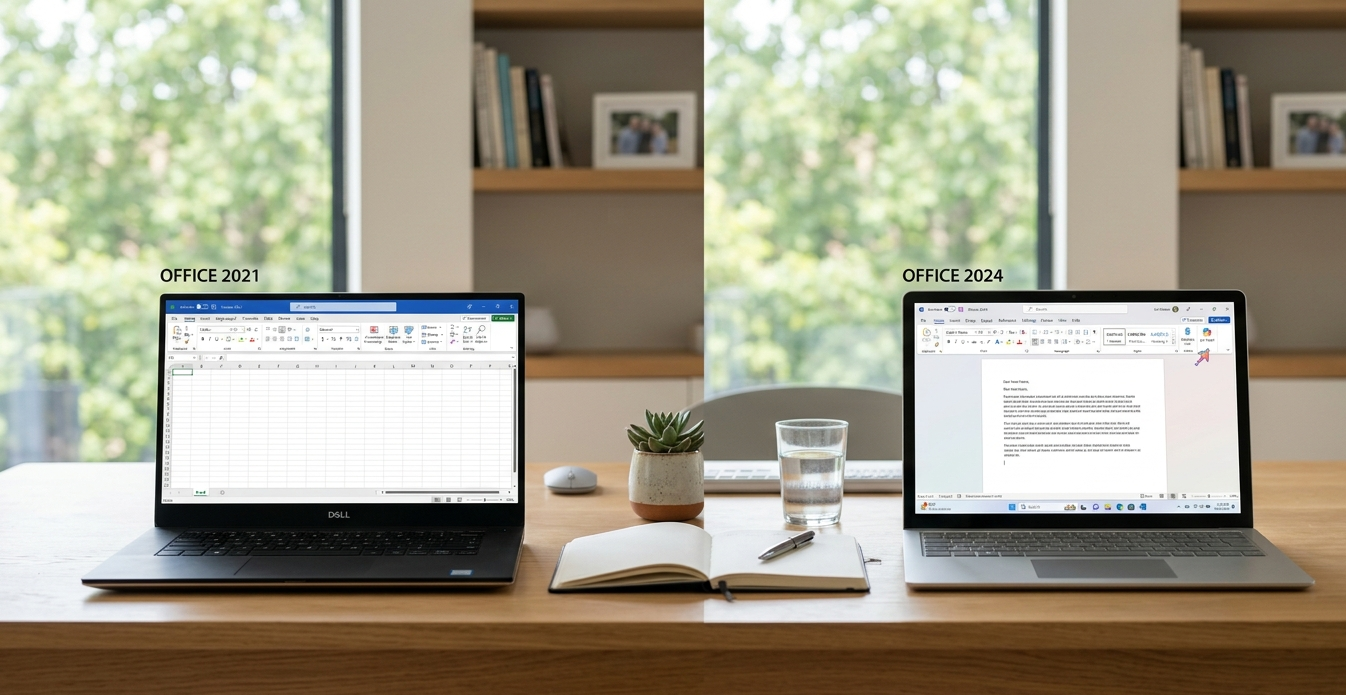
One thing many users appreciate is that Office 2024 still feels familiar.
Microsoft has refined the design slightly, but there’s no steep learning curve. If you’re comfortable with Office 2021, switching to Office 2024 will feel natural.
Should You Upgrade?
If Office 2021 already meets your needs, upgrading may not be essential immediately.
However, Office 2024 is worth considering if you:
- Want better performance
- Use Excel heavily
- Need improved security
- Prefer having the latest version long-term
For new buyers, Office 2024 is usually the smarter long-term option.
Final Thoughts
The difference between Office 2024 vs Office 2021 isn’t about dramatic redesigns. Instead, Microsoft focused on refining the experience with faster performance, improved stability, and stronger security.
For many users, those practical improvements are exactly what matter most