
How to Check if Your Windows Licence Is Genuine

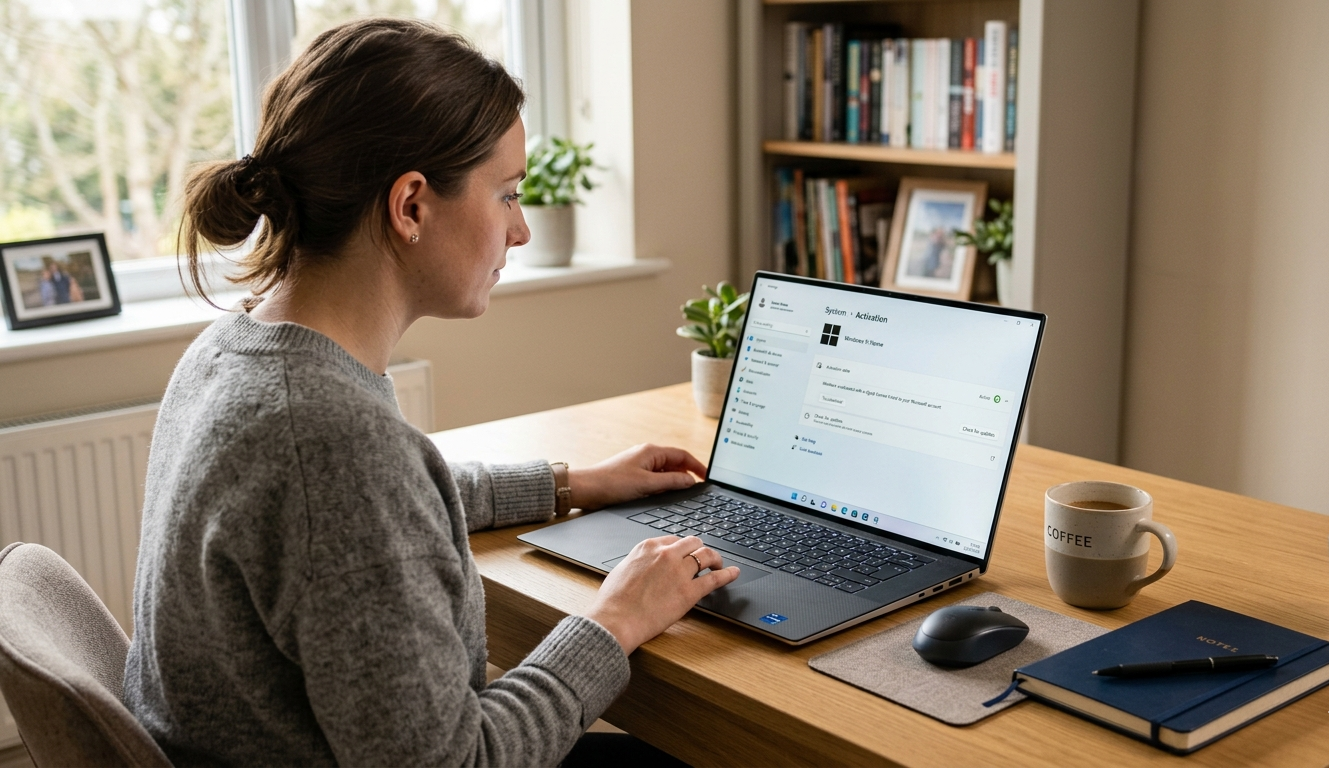
How to Check if Your Windows Licence Is Genuine
Buying or installing Windows is straightforward, but many people still wonder whether their licence is actually genuine. With so many product keys being sold online, it’s understandable to want confirmation that your system is properly activated.
The good news is that checking your Windows licence is genuine only takes a few minutes, and Windows already includes tools to help you verify it.
Let’s walk through the easiest ways to check.
1. Check Windows Activation Status
The quickest way to check your Windows licence is through the activation settings.
Follow these steps:
- Open Settings
- Click System
- Select Activation
Here you’ll see one of the following messages:
- Windows is activated
- Windows is activated with a digital licence
- Windows is activated with a product key
If your system shows one of these messages, it means your Windows installation is properly activated.
2. Use the Command Prompt Method
For a more detailed check, Windows also allows you to verify activation using Command Prompt.
Steps:
- Open Command Prompt as Administrator
- Type the following command:
slmgr /xpr
- Press Enter
A small window will appear showing whether your Windows licence is permanently activated.
This method is often used by IT professionals because it provides a clear confirmation of activation status.
3. Look for Warning Signs
Sometimes a Windows licence may appear to work initially but later become invalid. There are a few warning signs that your licence might not be genuine.
These include:
- A watermark saying “Activate Windows”
- Activation errors after updates
- Limited personalization options
- Unexpected activation notifications
If you see these issues, it’s possible the product key has been blocked or was not legitimate.
4. Buy Windows Licences from Trusted Sources
One of the best ways to avoid problems is to buy your Windows licence from trusted sellers or official partners.
Reliable sellers usually provide:
- Clear licence information
- Proper activation instructions
- Customer support
- Transparent pricing
A genuine licence ensures you receive security updates and full system functionality.
Final Thoughts
Knowing how to check a Windows licence is useful for anyone who has recently installed Windows or purchased a product key online. A genuine licence keeps your system secure, ensures regular updates, and prevents unexpected activation issues.
If you ever have doubts, a quick activation check can give you peace of mind.