
Windows 11 Home vs Pro: Which Version Should You Choose?

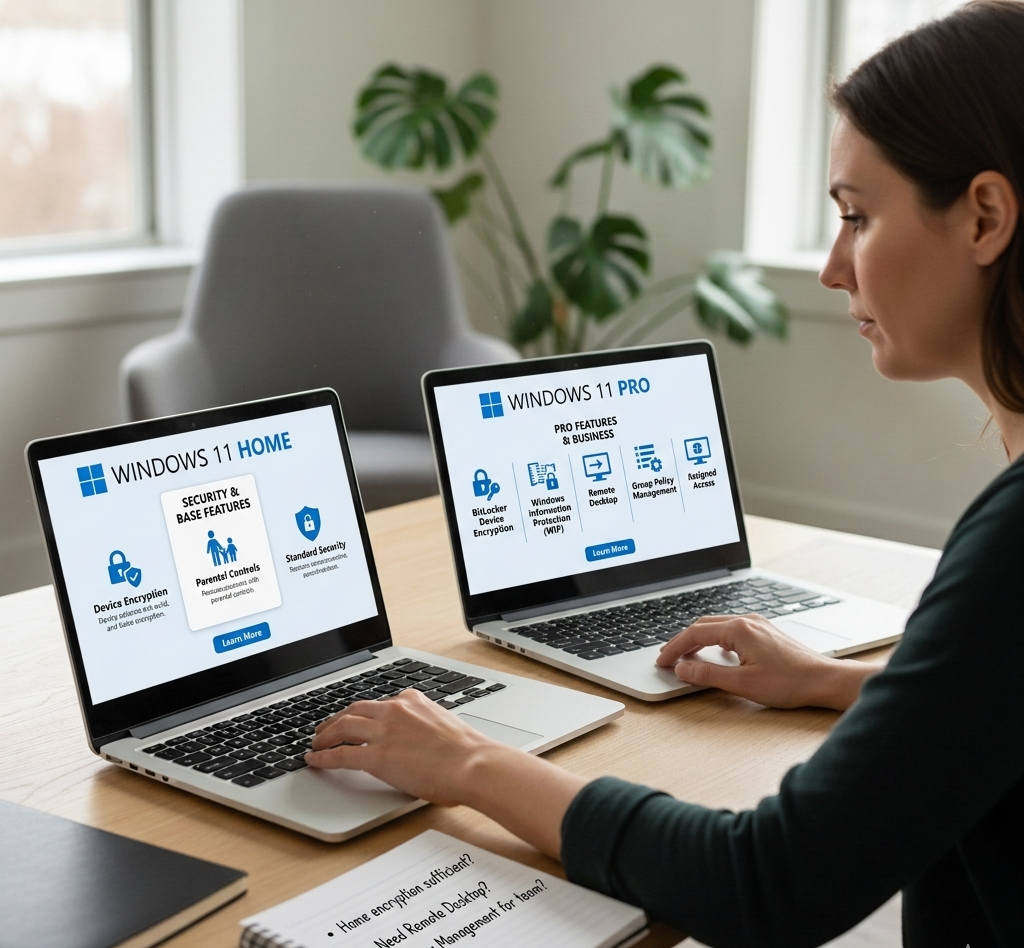
Windows 11 Home vs Pro: Which Version Should You Choose?
When installing Windows on a new computer, one of the first decisions you’ll face is choosing between Windows 11 Home and Windows 11 Pro. At first glance the two versions look very similar, but they are designed for slightly different types of users.
Understanding the differences can help you avoid paying for features you don’t need—or missing out on tools that could make your work easier.
Windows 11 Home: Ideal for Everyday Users
Windows 11 Home is designed for personal use. It includes all the core features most people need to run a modern computer.
With Windows 11 Home you get:
- A modern and easy-to-use interface
- Microsoft Edge and built-in apps
- Basic device security
- Access to Microsoft Store apps
- Regular Windows updates
For everyday activities like browsing the internet, streaming, working on documents, or gaming, Windows 11 Home is usually more than enough.
Windows 11 Pro: Built for Professionals and Businesses
Windows 11 Pro includes everything available in the Home edition, but it also adds extra features designed for professional use and business environments.
Key features in Windows 11 Pro include:
- BitLocker encryption for stronger data protection
- Remote Desktop to access your computer from another device
- Group Policy management for controlling system settings
- Advanced business security tools
These features are particularly useful for freelancers, small businesses, and IT professionals who need more control over their systems.
Security Differences
Security is one of the biggest reasons people choose Windows 11 Pro.
While both versions include Microsoft Defender antivirus, Windows 11 Pro adds additional protection through BitLocker encryption. This feature helps keep files safe if a device is lost or stolen.
For businesses handling sensitive data, this extra security can be extremely valuable.
Which Version Is Right for You?
Choosing between Windows 11 Home vs Pro really depends on how you use your computer.
Windows 11 Home is usually the best choice if you:
- Use your PC for everyday tasks
- Stream content or browse the web
- Work with documents or spreadsheets
- Play games
Windows 11 Pro may be better if you:
- Run a business or work remotely
- Need advanced security tools
- Access your computer remotely
- Manage multiple devices
Final Thoughts
Both Windows 11 Home and Windows 11 Pro offer a fast, modern operating system with strong security and performance. For most home users, the Home edition works perfectly well. However, professionals and businesses often benefit from the additional tools included in Windows 11 Pro.
Choosing the right version ensures you get the features you need without unnecessary complexity.