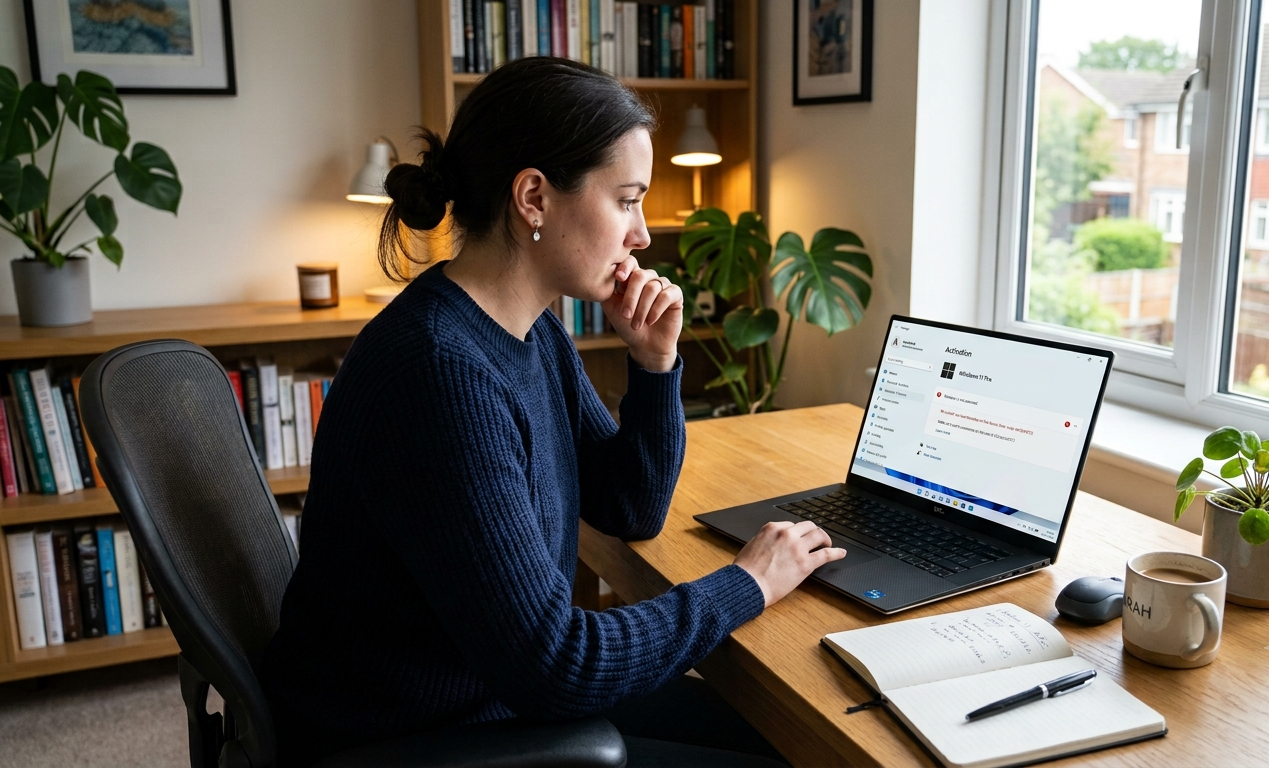
How to Fix Windows Activation Error 0x803F7001

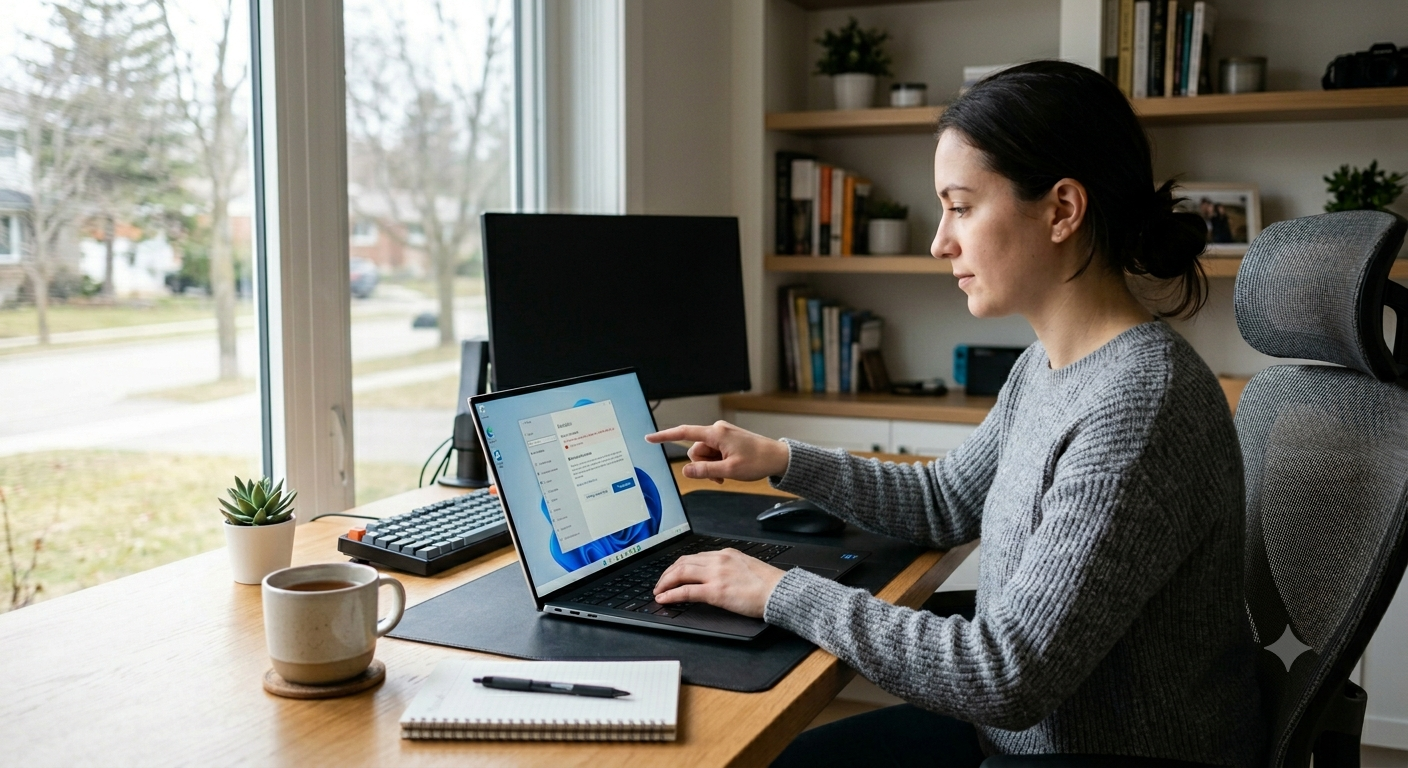
How to Fix Windows Activation Error 0x803F7001
Windows activation errors can be frustrating, especially when your system was working perfectly before. One of the most common issues users encounter is Windows activation error 0x803F7001.
This error usually appears when Windows cannot find a valid licence for your device. Fortunately, there are several ways to resolve the problem and reactivate Windows successfully.
Let’s look at the most effective solutions.
What Does Error 0x803F7001 Mean?
The error code 0x803F7001 typically means that Windows cannot locate a valid digital licence or product key associated with your device.
This often happens after:
- Reinstalling Windows
- Replacing major hardware components
- Changing the motherboard
- Installing a different Windows edition
- Activation files becoming corrupted
1. Check Your Windows Edition
One of the most overlooked causes of activation errors is installing the wrong edition of Windows.
For example:
- A Windows 11 Home key will not activate Windows 11 Pro
- A Windows 10 Home licence will not activate Windows 10 Pro
To check your version:
- Open Settings
- Go to System
- Select About
Confirm that the installed edition matches your licence.
2. Sign In to Your Microsoft Account
If your Windows licence is linked to your Microsoft account, signing in may automatically restore activation.
Steps:
- Open Settings
- Select Accounts
- Sign in with your Microsoft account
After signing in, Windows may reactivate automatically.
3. Run the Activation Troubleshooter
Microsoft includes a built-in activation troubleshooter designed specifically for situations like this.
To run it:
- Open Settings
- Go to System
- Select Activation
- Click Troubleshoot
The troubleshooter can often identify and fix licence-related problems automatically.
4. Re-enter Your Product Key
If you have a valid product key, re-entering it may solve the issue.
To do this:
- Open Settings
- Go to Activation
- Click Change Product Key
- Enter your licence key carefully
Windows will attempt activation immediately.
5. Reactivate After Hardware Changes
Replacing components such as the motherboard can sometimes cause Windows to think it’s running on a different computer.
If your licence is linked to your Microsoft account:
- Run the Activation Troubleshooter
- Choose I changed hardware on this device recently
- Follow the prompts
This often restores activation successfully.
How to Prevent Error 0x803F7001
To reduce the chance of future activation problems:
- Link Windows to your Microsoft account
- Keep a copy of your product key
- Use genuine Windows licences
- Verify your Windows edition before reinstalling
These simple steps can save time and frustration later.
Final Thoughts
Windows activation error 0x803F7001 is usually caused by licence verification problems, but it can often be fixed within a few minutes.
Checking your Windows edition, signing into your Microsoft account, and using the Activation Troubleshooter are the most effective solutions. In most cases, Windows can be reactivated without needing to reinstall the operating system.
❓ FAQ Section
Frequently Asked Questions
What does Windows activation error 0x803F7001 mean?
This error usually means Windows cannot find a valid licence or digital entitlement for your device.
Can changing hardware cause error 0x803F7001?
Yes. Major hardware changes, especially replacing the motherboard, can trigger this activation error.
Will reinstalling Windows fix error 0x803F7001?
Not necessarily. The issue is usually related to licensing rather than the operating system itself.
Can I reactivate Windows using my Microsoft account?
Yes. If your licence is linked to your Microsoft account, Windows can often reactivate automatically.