Ultimate Guide to Buying Microsoft Software Licences in the UK

Ultimate Guide to Buying Microsoft Software Licences in the UK
Buying Microsoft software can feel overwhelming, especially with so many options available online. From Windows licences to Microsoft Office packages, prices and licence types can vary widely.
This guide breaks everything down in simple terms so you can confidently buy Microsoft software in the UK without confusion or risk.
Understanding Microsoft Software Licences
Before making a purchase, it’s important to understand how Microsoft licences work.
The most common types include:
Retail Licence
A flexible licence that can be transferred to another PC if needed.
OEM Licence
A licence tied to one device, usually cheaper but not transferable.
If you’re unsure which one suits you, you can read our guide on OEM vs Retail Windows Licences Explained Simply.
Choosing the Right Windows Version
When buying Windows, most users choose between:
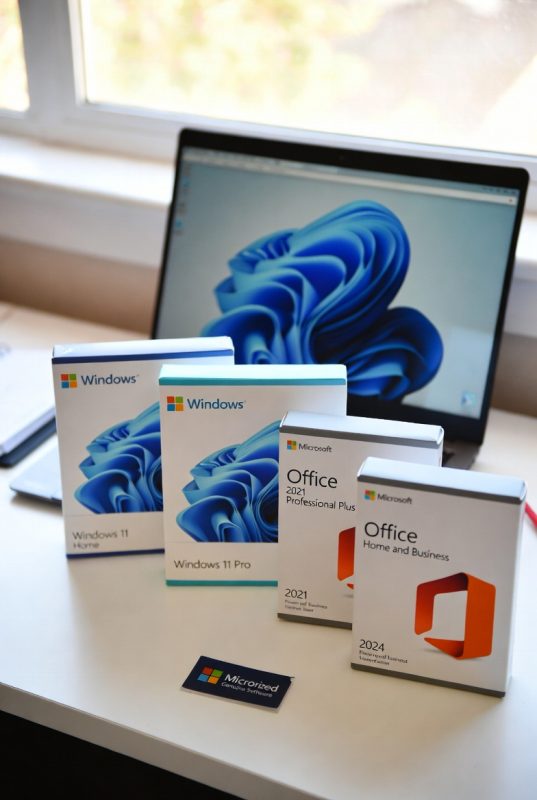
- Windows 11 Home
- Windows 11 Pro
Windows 11 Home is suitable for everyday use, while Pro includes advanced features like encryption and remote access.
If you’re still deciding, our comparison on Windows 11 Home vs Pro explains the differences in detail.
Microsoft Office: One-Time vs Subscription
Microsoft Office is available in two main options:
Microsoft Office 2024 (One-time purchase)
- Pay once
- Use long-term
- No subscription fees
Microsoft 365 (Subscription)
- Monthly or yearly payment
- Cloud storage included
- Regular updates
Your choice depends on whether you prefer flexibility or long-term savings.
Avoiding Common Buying Mistakes
One of the biggest mistakes buyers make is choosing the cheapest option without checking the source.
To stay safe:
- Avoid extremely low prices
- Check licence type clearly
- Buy from trusted sellers
- Ensure proper activation support
Our blog on Is It Safe to Buy Cheap Windows Keys Online? explains this in more detail.
Why Genuine Software Matters
Using genuine Microsoft software ensures:
- Full system security
- Regular updates
- Stable performance
- No activation issues
For businesses and professionals, this is especially important.
Final Thoughts
Buying Microsoft software doesn’t need to be complicated. By understanding licence types, choosing the right version, and purchasing from a trusted source, you can avoid common problems and enjoy a smooth experience.
This guide is designed to help UK users make informed decisions and get the best value from their software.