ommon Windows Activation Errors and How to Fix Them

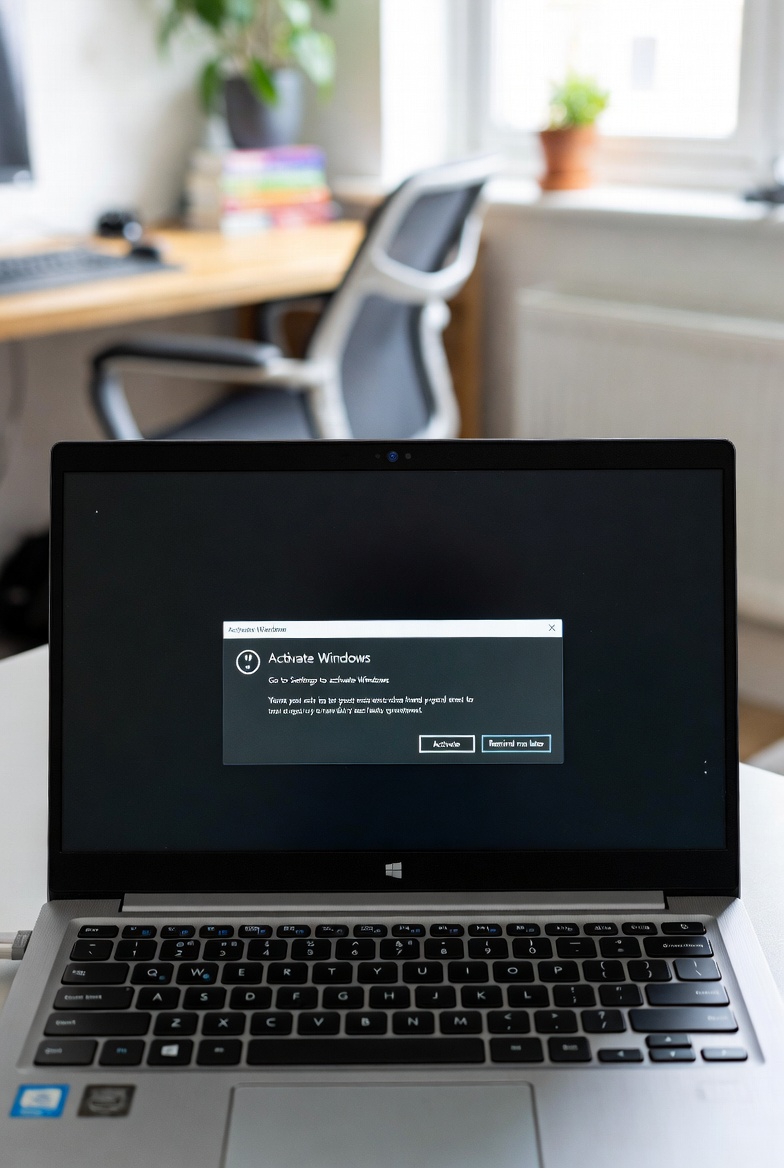
Few things are more frustrating than setting up your PC only to be met with a Windows activation error. For many users in the UK, these messages appear unexpectedly and can be confusing, especially if you believe your copy of Windows is genuine.
One of the most common causes of activation errors is entering an incorrect product key. Even a small typo can prevent Windows from activating properly. Double-checking the key and re-entering it carefully often solves the problem.
Another frequent issue happens after a hardware change. Replacing a motherboard or making major upgrades can cause Windows to think it’s been installed on a new device. In this case, signing into your Microsoft account and using the activation troubleshooter can usually restore activation.
Internet connectivity can also play a role. Activation requires a stable connection to Microsoft’s servers, so temporary network issues may trigger errors. Trying again later or switching to a wired connection can help.
In some cases, activation errors are a sign of a non-genuine or previously used key. This is why buying Windows licences from trusted sellers is so important. Genuine keys activate smoothly and continue receiving updates without issues.
If problems persist, Microsoft’s activation support tools are often the safest next step. Avoid unofficial fixes or third-party software, as these can create bigger problems in the long run.