
How to Transfer a Windows Licence to a New PC

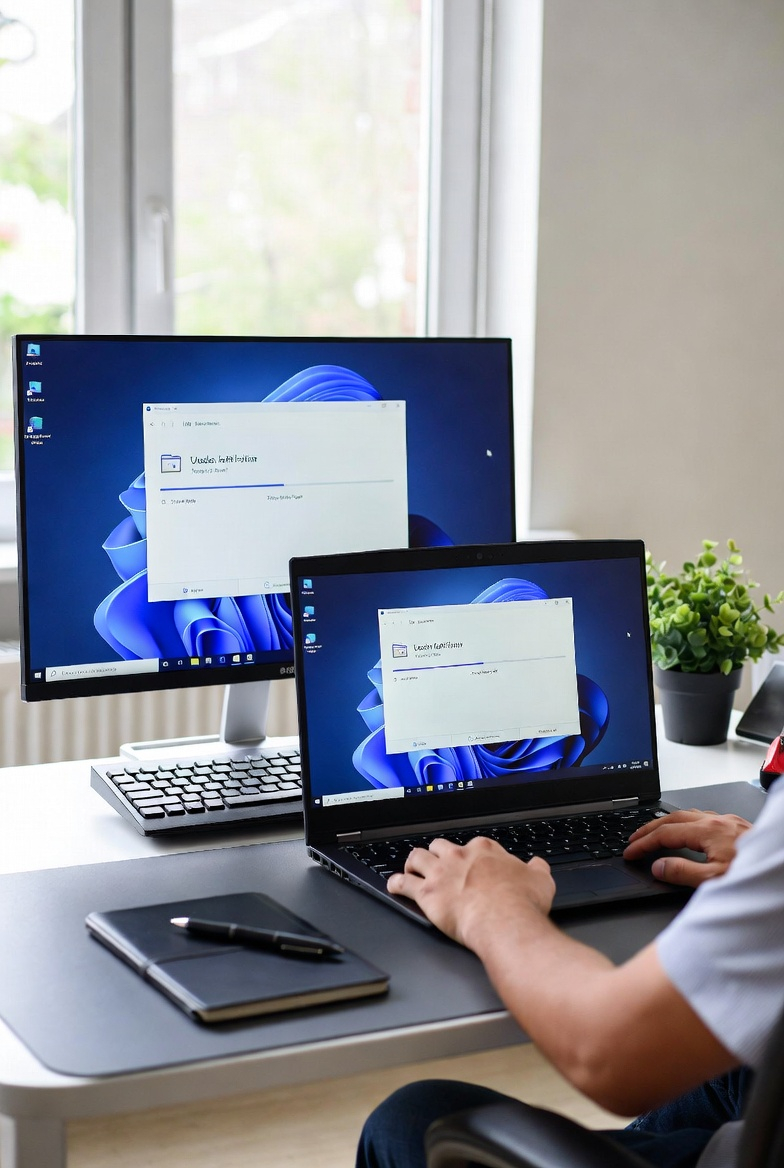
How to Transfer a Windows Licence to a New PC
Upgrading to a new computer is exciting, but many users wonder what happens to their existing Windows licence. The good news is that in many cases, you can transfer your Windows licence to a new PC — but it depends on the type of licence you own.
Understanding how this works can save time, money, and frustration.
Check Your Windows Licence Type
Before transferring a licence, it’s important to know which type you have. The two most common are:
Retail Licence
- Purchased separately from a computer
- Can be transferred to a new device
- Must only be active on one PC at a time
OEM Licence
- Usually pre-installed on a computer
- Linked to the original hardware
- Normally cannot be transferred
If you purchased Windows yourself, there’s a good chance it’s a Retail licence.
Step 1: Link Your Licence to a Microsoft Account
Linking your Windows licence to a Microsoft account makes transferring much easier.
To do this:
- Open Settings
- Go to Activation
- Sign in with your Microsoft account
Once linked, Microsoft stores your licence digitally.
Step 2: Install Windows on the New PC
When setting up your new computer, install the same Windows version that your licence supports (for example Windows 10 Pro or Windows 11 Pro).
During installation, you can skip entering the product key.
Step 3: Use the Activation Troubleshooter
After installing Windows:
- Go to Settings
- Open Activation
- Select Troubleshoot
- Choose I changed hardware on this device recently
Then sign in with your Microsoft account and select the device you want to activate.
Common Activation Issues
Sometimes Windows may not activate immediately. This can happen if:
- The licence was previously linked to another device
- Hardware changes triggered reactivation checks
- The product key type isn’t transferable
In most cases, the activation troubleshooter resolves the issue quickly.
Final Thoughts
Transferring a Windows licence to a new PC is usually straightforward — especially if you have a Retail licence linked to your Microsoft account. Taking a few minutes to check your licence type and account settings can make the entire process smooth and stress-free.