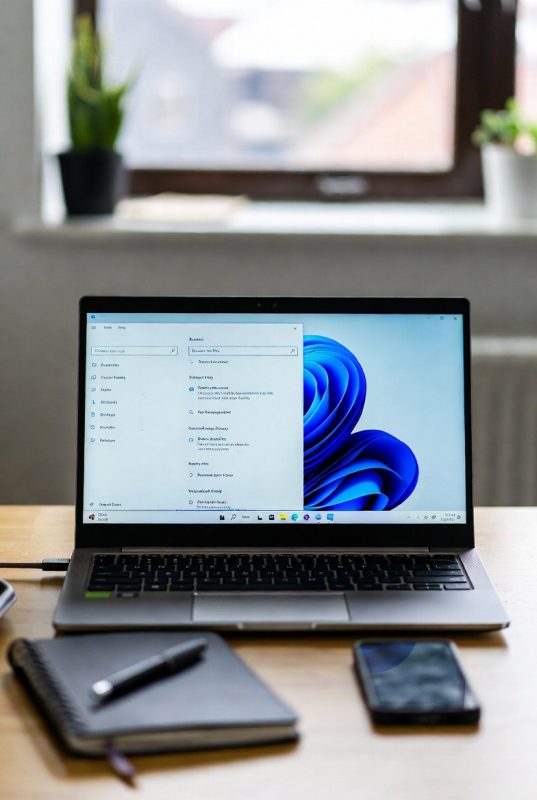
How to Safely Upgrade from Windows 10 to Windows 11 in the UK

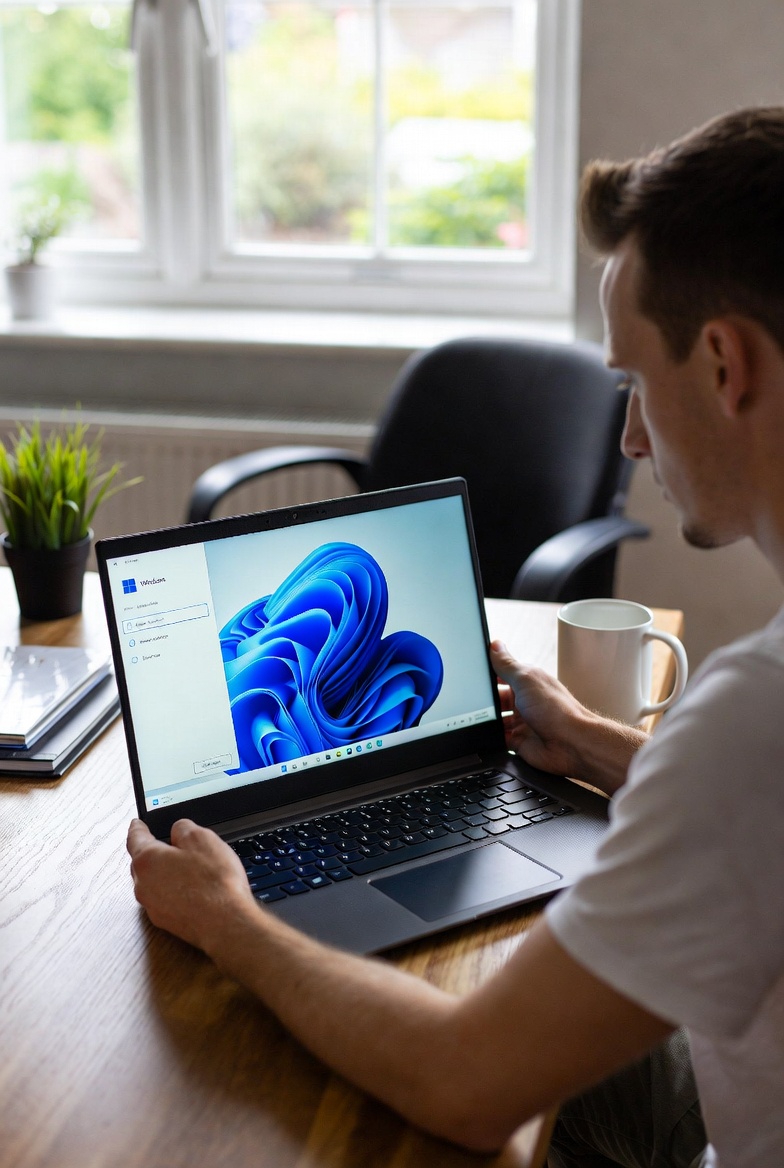
Upgrading from Windows 10 to Windows 11 doesn’t need to be stressful. Many UK users delay the upgrade because they worry about compatibility, data loss, or system issues. The good news is that, with a few simple checks, the process can be smooth and safe.
The first step is checking whether your PC supports Windows 11. Microsoft requires modern hardware, including TPM 2.0 and Secure Boot. You can easily confirm this using Microsoft’s PC Health Check tool. If your system passes, you’re ready to move forward.
Before upgrading, it’s always smart to back up important files. While the upgrade usually keeps everything intact, having a backup gives peace of mind — especially if your PC is used for work or study.
Once ready, upgrading through Windows Update is the safest option. This ensures your system downloads official files directly from Microsoft, reducing the risk of errors or security problems.
After installation, take time to check drivers, settings, and updates. Windows 11 may look different, but most users quickly adjust and enjoy improved performance and security.
For UK users planning ahead, upgrading early helps avoid last-minute stress when Windows 10 support finally ends.